SkillSecurity

AI Skill Scanner

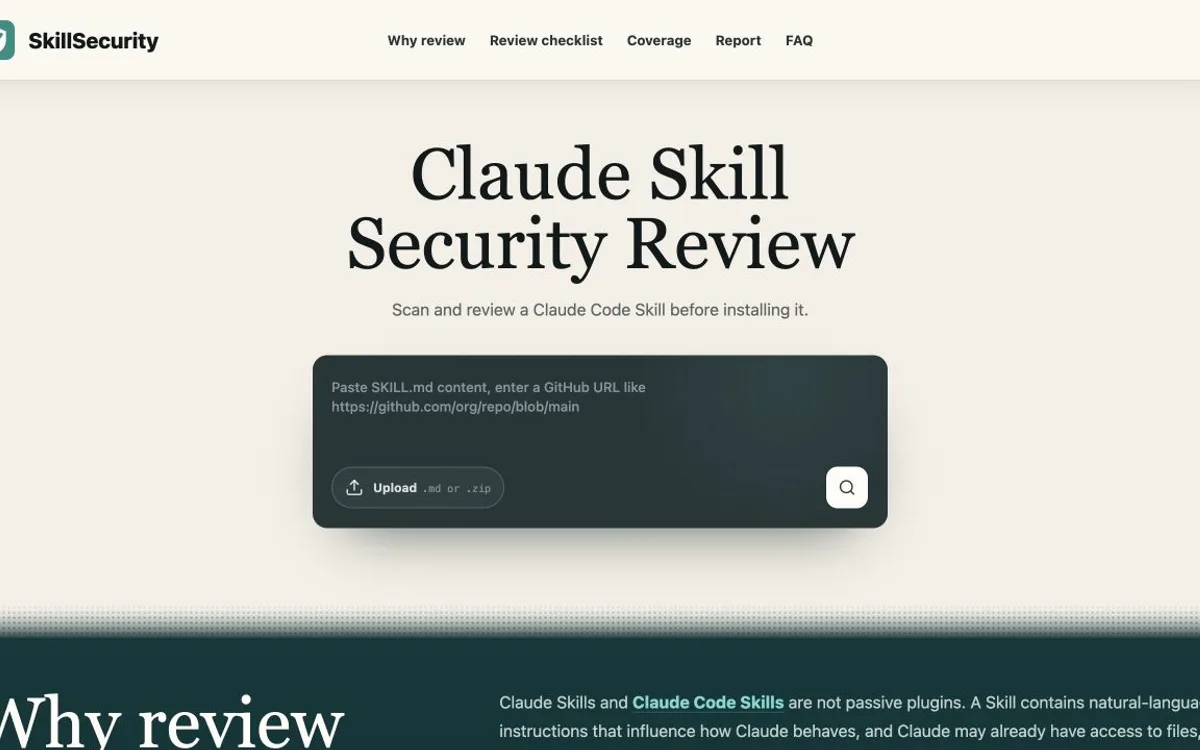
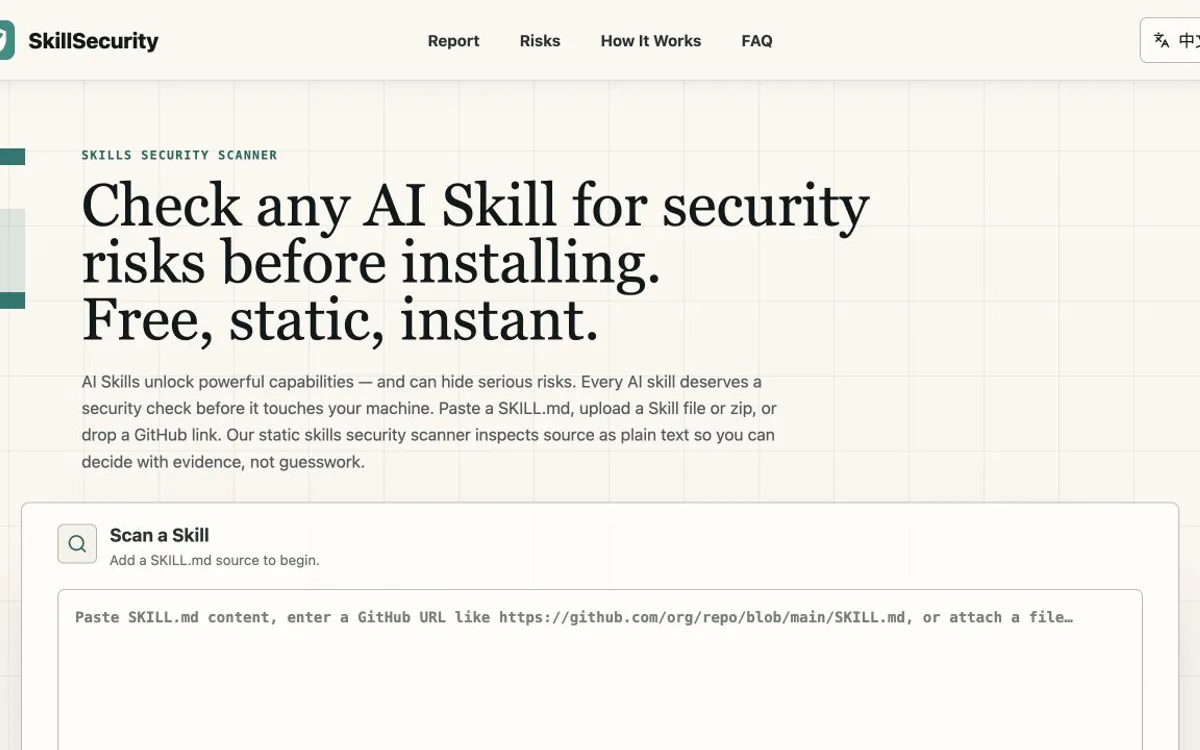
Scan an AI Agent Skill before you install it. Paste SKILL.md content, upload a file or zip workspace, or submit a public GitHub SKILL.md URL.

Reads submitted source as plain text. Scanned code is not executed.

Scan a SkillAdd a SKILL.md source to begin.Reads source as plain text

See what a Skill scan report shows

A SkillSecurity report connects the Skill Safety Score and recommendation to the findings, evidence, file locations, and scan coverage behind them. Start with the highest-risk finding, then check what was scanned and skipped before deciding whether to install.

Example reportAnonymous Skill
58
Skill Safety Score

Review before installing

High-risk behavior was found in the submitted Skill workspace.

RecommendationInspect the evidence

Resolve the outbound credential access and review the incomplete coverage before installing.

SourceZip workspace
Scope8 scanned / 1 skipped
Scan modeStatic archive scan
Findings1 high / 2 medium
Coverage needs review. One binary file was skipped and one referenced script could not be resolved from the submitted workspace.
Priority findings1
HighCredential access followed by an outbound requestA bundled script reads an environment credential before sending data to an external endpoint.fetch(endpoint, { body: process.env.AGENT_TOKEN })High confidencescripts/telemetry.ts:48
Export JSONDownload the full report
Copy share linkShare an unlisted report
Save PNG cardExport a visual summary
What an AI Skill scanner checks

An AI Skill scanner reviews the instructions, scripts, configuration, and dependencies packaged with an Agent Skill before installation. It looks for patterns that could redirect agent behavior, expose data, misuse approved tools, or trigger unsafe actions.

Prompt injection

Instructions that override expected behavior, suppress safeguards, or hide model directives.

Credential access and data exfiltration

Attempts to read secrets and send sensitive content to an external destination.

Dangerous command or code execution

Destructive shell actions, remote code fetches, install-time execution, and unsafe dynamic evaluation.

Supply-chain and dependency risk

Suspicious install hooks, unpinned external code, and risky dependency behavior.

Excessive agency and permissions

Tool, filesystem, shell, network, MCP, or delegated-agent access broader than the Skill's stated purpose.

Obfuscation and hidden payloads

Encoded commands, zero-width content, and concealed instructions or scripts.

What static analysis can and cannot show

Observable static signals

Static analysis can identify known command patterns, credential-file references, outbound URLs, instruction overrides, obfuscation signatures, dependency signals, and suspicious relationships between those behaviors.

It cannot directly observe:

  • behavior that appears only while a Skill is running;
  • encrypted or unfamiliar payloads that the current rule pack cannot analyze;
  • vulnerabilities that depend on a specific agent platform or runtime version;
  • files outside the submitted or eligible referenced scope.

Common questions

What should I do if the scanner finds something?

Open the highest-severity finding and inspect its evidence, file location, and surrounding source. Review any skipped files or unresolved references as well. Do not install a Skill with unexplained critical or high-risk behavior; remove or resolve the risky behavior, then submit the revised source as a new scan.

Is the scanner free?

Yes. The public scanner is free to use and does not require an account. Anonymous rate limits still apply.

Can I scan a Skill from GitHub?

Yes. Submit a public GitHub URL that points to a SKILL.md file. The scan starts from that file and may include bounded files that it explicitly references from the same repository and commit. It does not discover an entire repository or folder. Upload a zip workspace when you need the supported multi-file archive scope.

What does the Skill Safety Score mean?

The score runs from 0 to 100, with higher scores representing fewer or less severe risk signals in the content that was scanned. Read the recommendation, findings, evidence, and coverage with the score. Missing, skipped, and unscanned content is reported separately and is not included in the score calculation.

Which Skill formats are supported?

SkillSecurity accepts SKILL.md content, single SKILL.md files, zip Skill workspaces, and supported GitHub SKILL.md URLs. If a Skill from another agent platform is packaged in one of those forms, it can be scanned.

Can SkillSecurity scan MCP servers?

No. SkillSecurity scans SKILL.md and eligible bundled Skill files, not MCP servers. An included or referenced MCP configuration may appear in the report as a Skill-bundled configuration risk.

Explore SkillSecurity

Free Skill security scan

Ready to scan a Skill?

Paste SKILL.md content, upload a file or zip, or submit a supported GitHub URL. Review the findings and coverage before deciding whether to install.